
How to Make a Thriller Dance AI Video (Step by Step)
Lead the Thriller zombie dance with your own face: one photo, a 10-second vertical MP4 with music, from $5.90. Every step with real screenshots.
Oct 15, 2026
Every October the zombie dance from the 1983 "Thriller" music video comes back, and this year the AI version took over TikTok: your own face at the front of a crowd of zombies on a foggy night street, doing the shrugs, the claw hands and the zombie steps. With the Thriller Dance AI generator you need one photo and a few minutes: the AI swaps only the lead dancer and keeps the street, the zombies, the camera and the music. This guide shows every screen, with real screenshots.
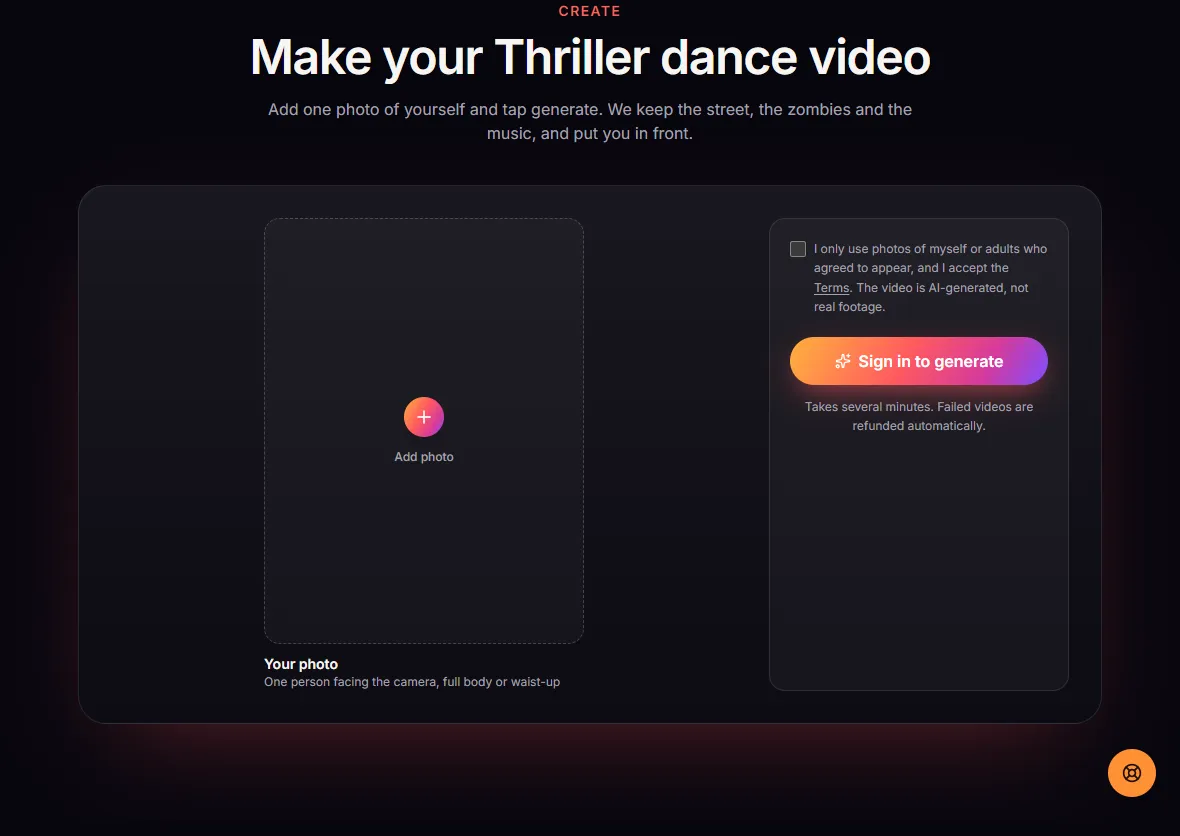
1. Open the generator
Go to thrillerdanceai.com and scroll to Make your Thriller dance video, or click Create video at the top. Signed out, the generator shows where your photo goes and asks you to sign in before you generate.
2. Sign in
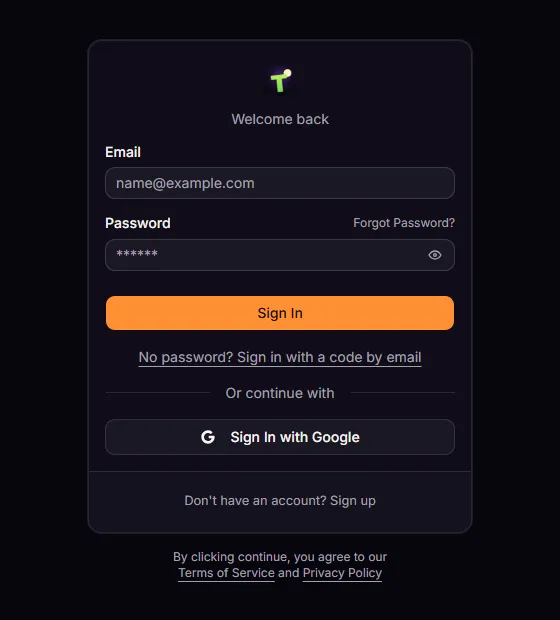
Sign in with Google in one click, or with your email. The videos you buy and the videos you make are tied to this account.
3. Buy videos
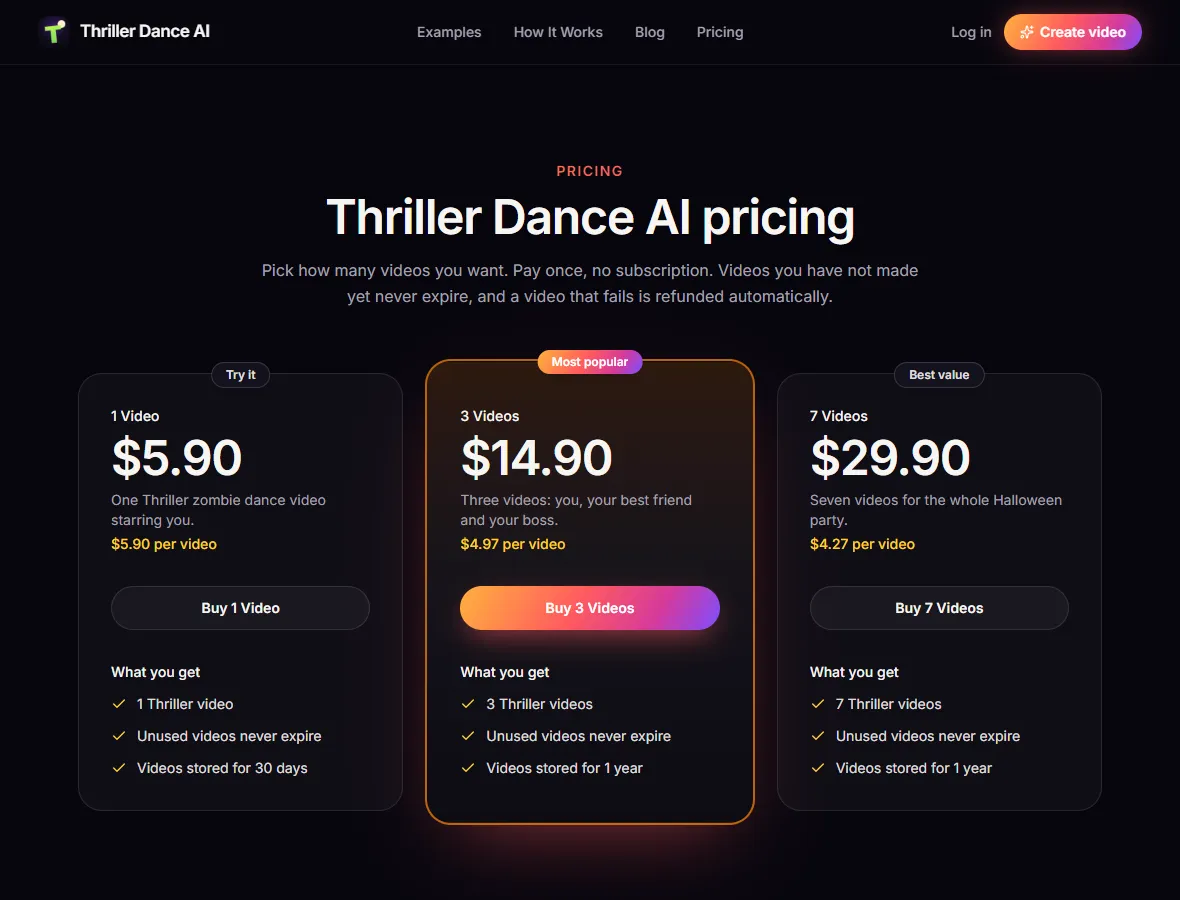
Videos come in one-time packs; there is no subscription and no free generation. Every video is the same 10-second vertical (9:16) clip with music, and videos you have bought but not made yet never expire:
| Pack | Price | Per video |
|---|---|---|
| 1 Video | $5.90 | $5.90 |
| 3 Videos | $14.90 | $4.97 |
| 7 Videos | $29.90 | $4.27 |
4. Add one photo
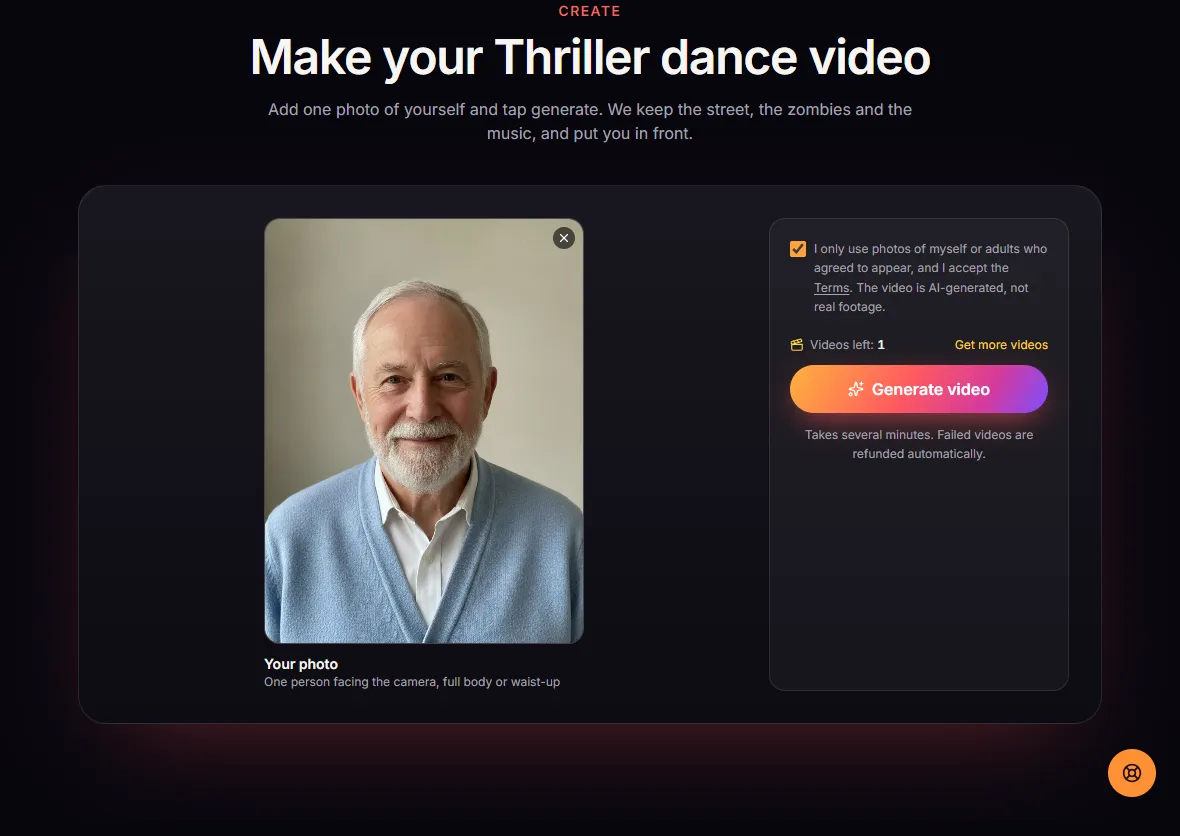
Back on the generator, add one photo of one person. What works best:
- Front-facing, eyes visible, no sunglasses or hat, even light.
- Full body or waist-up, not just a tight face crop: the arms and legs do the whole dance.
- Someone unexpected. Your grandma or your office manager leading a zombie crowd is funnier than another dancer.
Then tick the box confirming the photo shows you or an adult who agreed. Photos of celebrities, public figures or minors are not allowed.
5. Generate
Click Generate. One video from your pack is used when it starts, and rendering takes several minutes. You can close the tab; the video keeps rendering and appears in My videos. If a render fails, the video comes back to your account automatically. With no videos left, Generate opens the three packs instead.
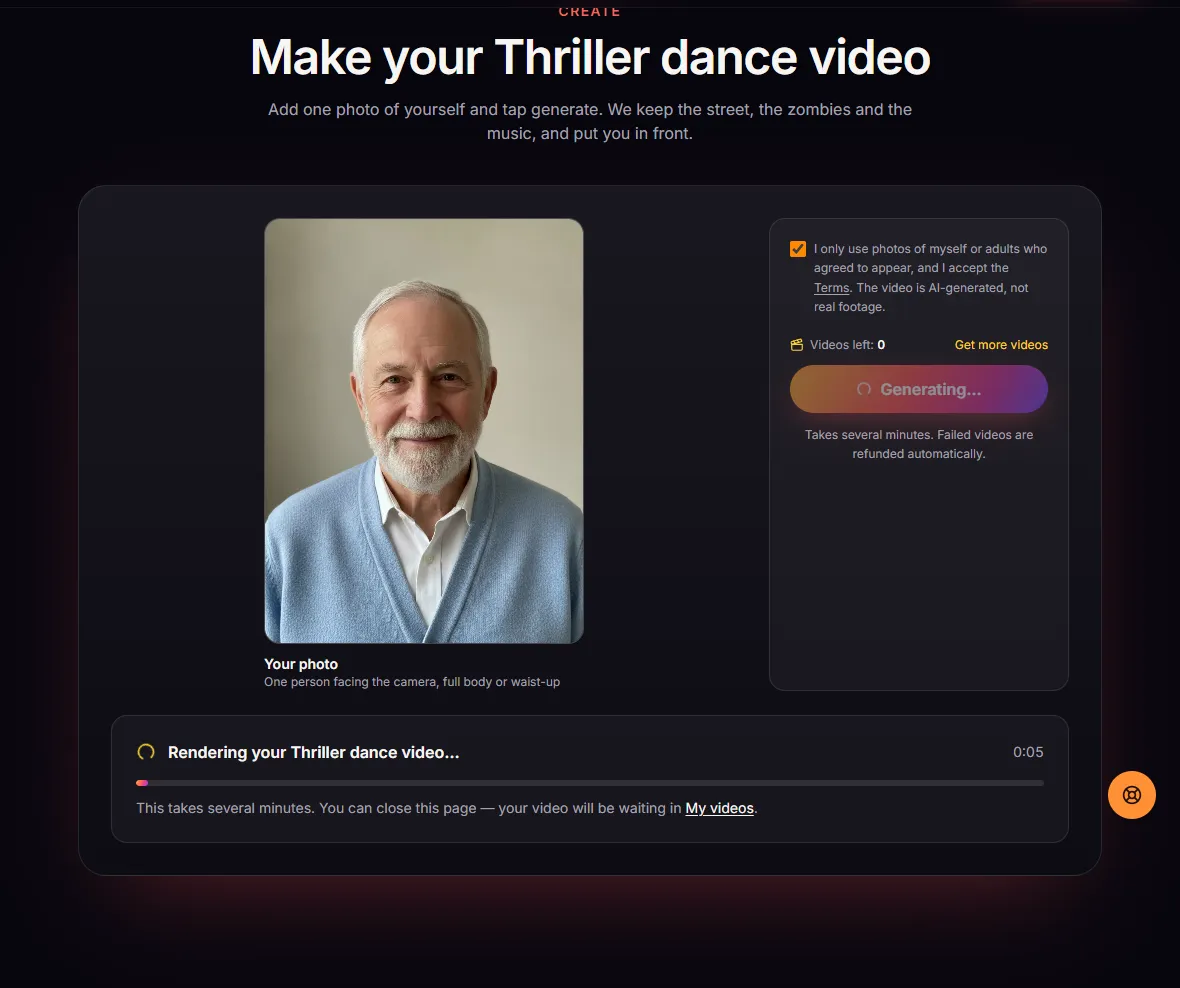
6. Download and post
When it is done, watch it and download the MP4 from the generator or from My videos. You get the full 10-second vertical clip with music, ready for TikTok, Reels and Shorts. Turn on the platform's AI-generated label when you post.
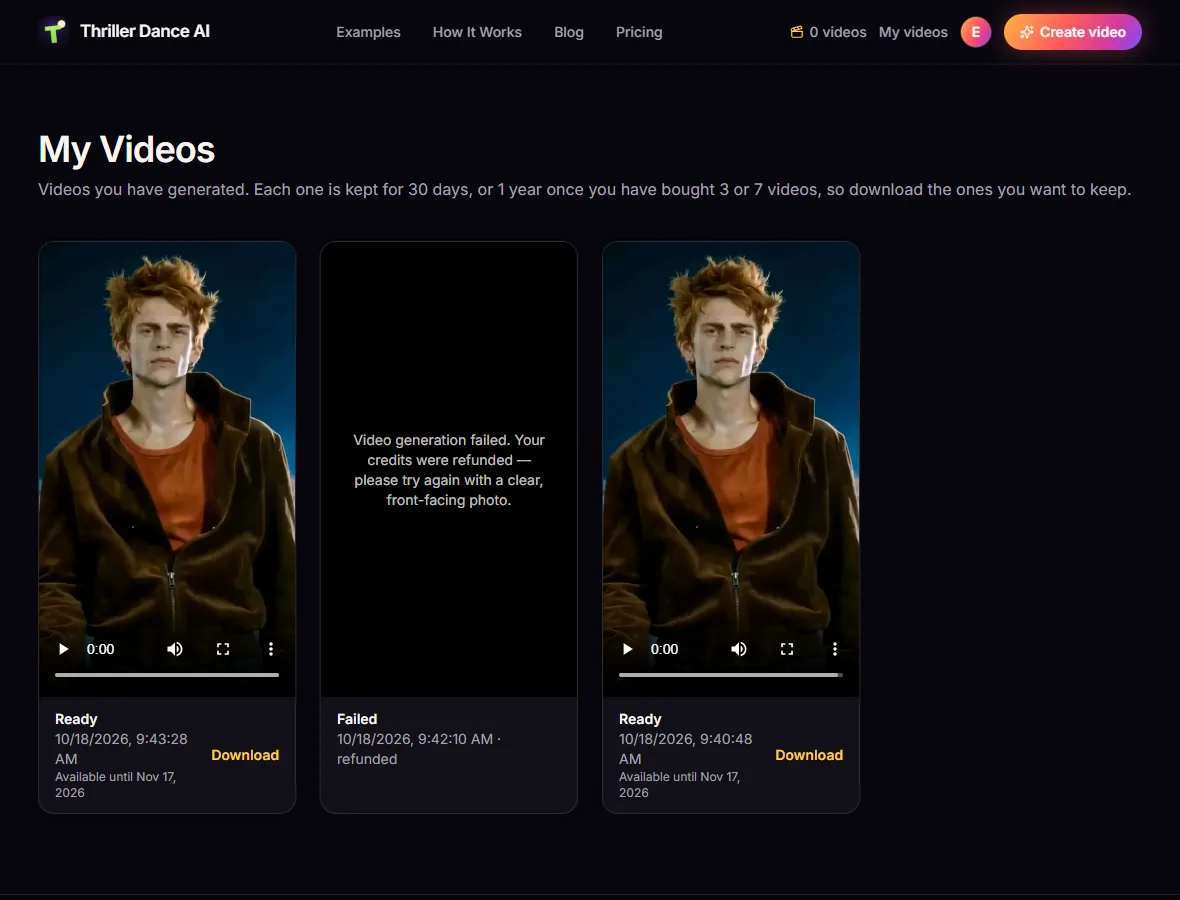
What to expect
- Only the lead dancer changes. The zombies, the night street and the camera move exactly as in the clip.
- The face is closest when the photo is front-facing; in fast head turns it can drift a little.
- This is an AI-generated video, not real footage, made by an independent fan-made tool that is not affiliated with Michael Jackson, his estate or the makers of the original "Thriller" video. The music is not the original recording.
Ready? Open the generator or see pricing first.
Make your Thriller dance video
One photo in, the 10-second zombie dance out, with music.
Open the generator